Body Shape Visualizer
Enter your measurements and watch your proportional silhouette morph in real time. Switch between female and male body shape categories, or use the BMI visualizer mode to see a height-and-weight-scaled reference silhouette.
Type your measurements and watch the silhouette update in real time. Leave a field blank to see an example proportion for that measurement.
All the way around the widest point of your shoulders, in in
Fullest part of your bust, in in
Narrowest point above your navel, in in
Widest point around your hips, in in
Your measurements are processed locally in your browser and are never stored or shared.
Fill in all four measurements above to see your own proportions and detected shape.
Get Weekly Style Tips
Join thousands of women discovering their perfect style. Get exclusive fashion tips, trend alerts, and style guides delivered to your inbox.
Free weekly updates. Unsubscribe anytime.
What a Body Shape Visualizer Shows
A body shape visualizer is a tool that turns four measurements, shoulder width, bust, waist, and hips, into a proportional front-facing silhouette and names the body shape those ratios produce. Reading "you are a pear shape" is useful, but it does not always click the way seeing your own proportions does. Widen the hips relative to the bust and the silhouette's lower half stretches out. Narrow the waist and you see the classic hourglass cinch appear. The shape is not decorative; it is a direct visual translation of the same math a body shape calculator runs.
Because the outline updates as you type, you can experiment. Try your current measurements, then try a hypothetical change, like a half-inch smaller waist, and see how the detected shape shifts. That immediate feedback loop is the main advantage a visual tool has over a static results page.
Every silhouette here links straight to a detailed style guide for that shape, covering necklines, silhouettes, and pieces to look for while shopping. For the complete measurement walkthrough and a dedicated results page with full style recommendations, use the Body Shape Calculator.
Male Body Visualizer and BMI Visualizer Modes
Inside the tool, keep the first toggle on Body Shape and set the second one to Male. The tool then classifies shoulder, chest, waist, and hip measurements into the categories menswear guides typically use: trapezoid, inverted triangle, triangle, oval, and rectangle. The thresholds are different from the female categories because male proportions usually taper from a broader shoulder line down to the waist, rather than from wider hips.
The BMI Visualizer mode works differently. Instead of shoulder, bust, waist, and hip measurements, you enter height and weight, and the tool calculates your BMI and scales one reference silhouette to match. BMI measures overall size relative to height, not body shape, so this mode does not try to detect a shape category, it only shows a proportional size reference. It is a general population-level number and not a medical assessment; it does not account for muscle mass, frame size, or how weight is distributed.
How to Measure Yourself
Grab a flexible measuring tape. Measure your shoulders across the widest point, your bust around the fullest part, your waist at the narrowest point above your navel, and your hips around the widest point, including your buttocks. Keep the tape level and snug without pulling it tight.
For a full step-by-step walkthrough with photos and common measuring mistakes, see the Body Shape Calculator's measuring guide. If you are shopping internationally and need to convert a size instead of a measurement, the Size Converter covers US, UK, EU, and AU sizing.
The 5 Body Shapes
Every silhouette the visualizer can draw falls into one of these five categories. They are not equally common: in the SizeUSA national sizing survey analyzed by NC State University researchers, about 46% of women measured as rectangle, roughly 20% as pear, about 14% as apple, and only around 8% as a true hourglass.
Hourglass
Bust and hips are balanced, with a clearly narrower waist.
Pear
Hips are noticeably wider than the bust, with a defined waist.
Apple
Fuller through the midsection, with slimmer arms and legs.
Rectangle
Shoulders, waist, and hips fall within a similar range.
Inverted Triangle
Shoulders and bust are wider than the hips.
Why a 2D Silhouette Is Enough Here
A 2D silhouette is enough to identify a body shape because shape classification uses only the ratios between four circumference measurements, none of which require depth, rotation, or a photo. If you searched for a "3D body visualizer," you may be expecting a rotating model you can view from every angle; this tool intentionally does not do that, and it is worth explaining why.
Body shape classification for fashion purposes is based on four circumference measurements viewed from the front: shoulders, bust, waist, and hips. A 3D model adds depth information (how far your body extends front-to-back) and usually requires a photo, a body scan, or manual entry of many more measurements. That extra complexity does not change which of the five shape categories you fall into, because the classification itself only depends on the front-facing ratios. A 3D render would look more impressive, but it would not tell you anything the 2D silhouette does not already show for styling purposes.
We also chose 2D for privacy. This tool needs four numbers you type in, nothing more. No photo upload, no body scan, no camera access. If your goal is understanding your proportions well enough to shop with confidence, a proportional 2D silhouette gets you there without asking for anything sensitive.
Proportions, Not Pixels
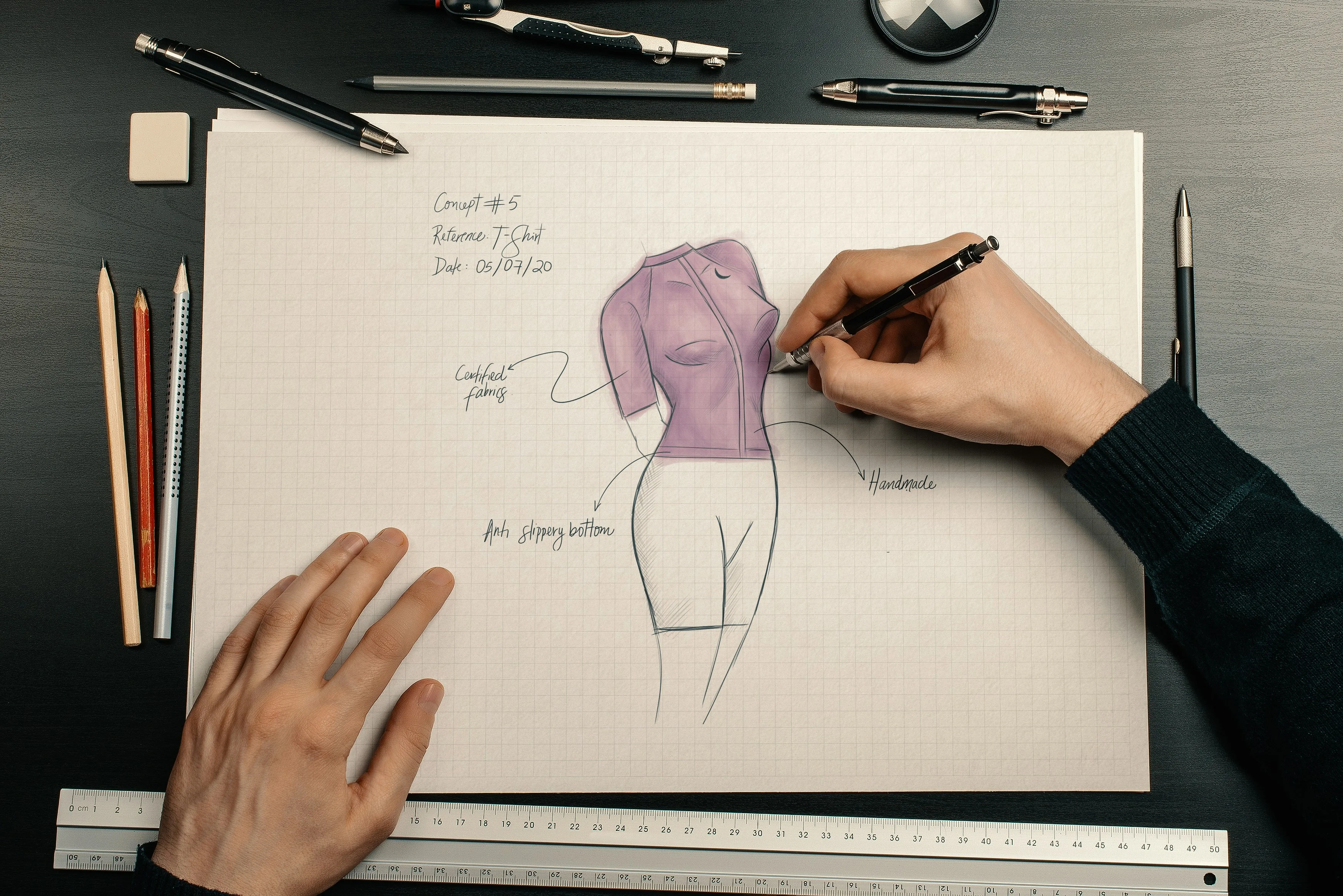
Fashion designers have sketched proportional figures long before software existed, using a tape measure, a grid, and a few reference lines to communicate fit. Our visualizer follows the same logic digitally: your four measurements become the reference lines, and the silhouette is the sketch.
Frequently Asked Questions
What does a body shape visualizer show?
A body shape visualizer turns your shoulder, bust, waist, and hip measurements into a proportional silhouette so you can see your proportions instead of just reading a category name. As you adjust a measurement, the outline redraws in real time and shows which body shape category those proportions fall into.
Does this body visualizer work for male body types?
Yes. Switch the tool to Male and it classifies your shoulder, chest, waist, and hip measurements into the standard menswear body shape categories: trapezoid, inverted triangle, triangle, oval, or rectangle. These use different thresholds than the female categories because male proportions typically taper from shoulder to waist rather than from hip to waist.
What is the BMI visualizer mode?
The BMI visualizer mode takes your height and weight, calculates your BMI, and scales a reference silhouette to match. BMI reflects overall size relative to height, not body shape, so this mode does not try to detect a shape category. It is a general population-level reference point, not a diagnosis or medical assessment.
Is this a 3D body visualizer?
No, this tool renders a 2D front-facing silhouette. A true 3D body visualizer would need scans, photos, or depth data to model your body from every angle, which raises privacy concerns and rarely improves the fashion guidance you actually need. For body shape classification, front-facing proportions are what determine your category, so a 2D silhouette communicates the same information clearly.
How is this different from the body shape calculator?
The visualizer focuses on seeing your proportions morph as you type, with a lightweight shape label and a link to detailed styling guidance. Our full body shape calculator adds validation, a dedicated results page, and complete style recommendations for tops, bottoms, dresses, and accessories. Many people start with the visualizer to get a feel for their proportions, then use the calculator for the full report.
Do I need a photo to use the body shape visualizer?
No. You only enter four numbers: shoulder width, bust, waist, and hip measurements. Nothing is uploaded, scanned, or photographed. Your numbers are processed in your browser and are never sent to a server.
What measurements do I need?
Four measurements: shoulder width (across the widest point), bust (fullest part), waist (narrowest point above your navel), and hips (widest point). You can enter them in inches or centimeters using the unit toggle above the tool.
Why does my silhouette look different from what I expected?
The silhouette is a proportional illustration, not a photorealistic rendering of your body. It exaggerates width differences slightly so the shape category is easy to read at a glance. If your measurements sit near a category boundary, small changes in any one number can shift the detected shape, which is normal and expected.
Is the body shape visualizer free to use?
Yes, completely free with no signup, no email, and no limit on how many times you can adjust your measurements.